Meesho Design System
Meesho's fast growth created significant design debt.
Without a design system, projects were developed in parallel, leading to inconsistencies across the platform. The absence of a standard framework caused frequent misalignment among designers, which carried over into development, where similar components were coded differently, adding complexity.
The Objectives
Design debt was making it very hard for us to maintain design consistency and velocity
Find a typeface that works across all platforms and devices.
Find a unique visual language for the app, keeping a good balance between density and contrast.
Build a design system that can support existing and upcoming projects. This also meant building a UI library on production.
Process
UI Audit
I ranked the sections of the existing page based on revenue contribution, which helped me identify the most relevant areas for optimization.
Define Style
Conducted user interviews to understand general user behavior, the products they use, and their decision-making factors when engaging with digital tools.
Design & Document
With prototype testing, I gathered feedback, refined the designs, and repeated the process to ensure the final solution aligned with user needs and business goals.
UI Audit
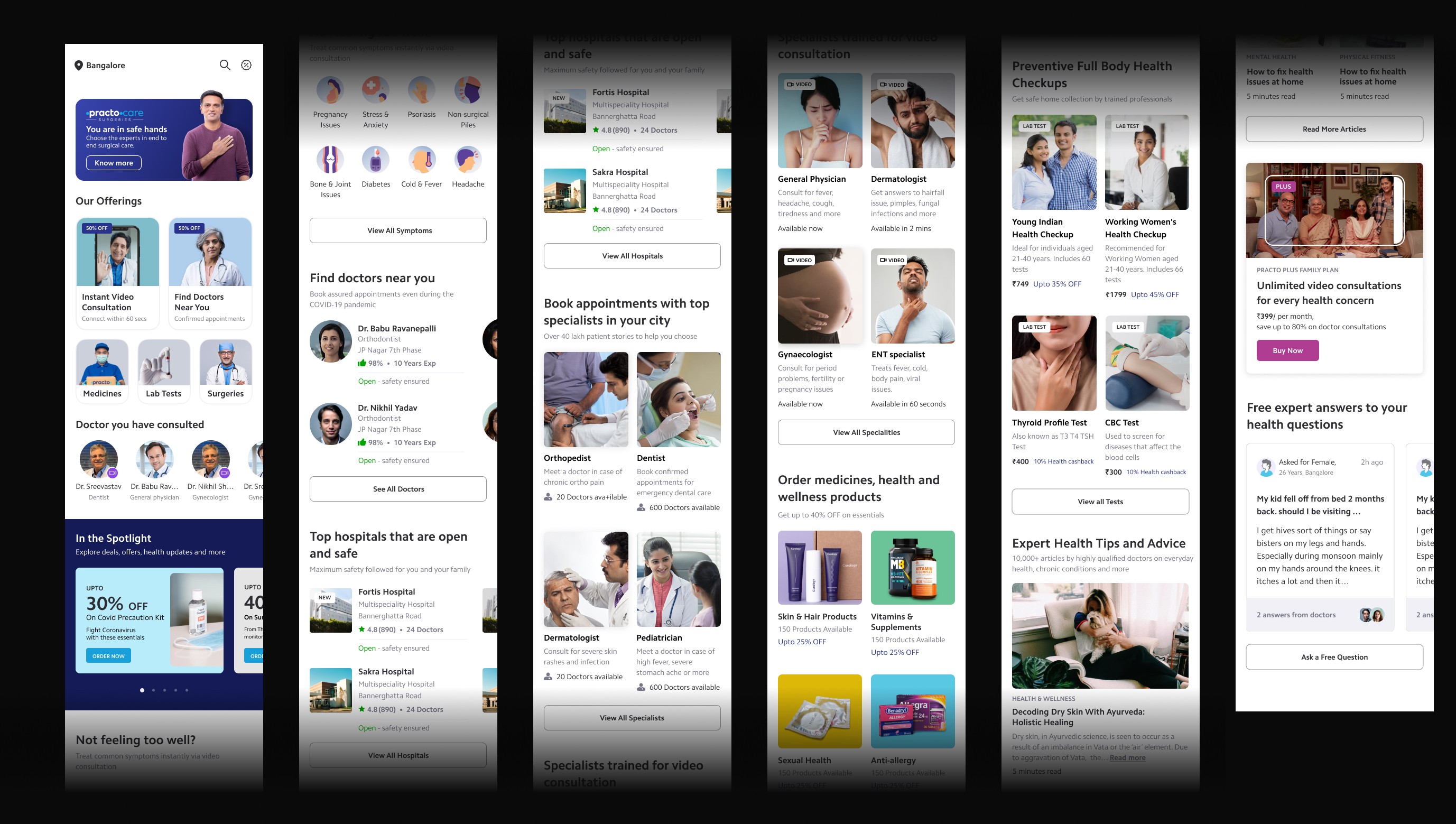
Talk about Density and Contrast
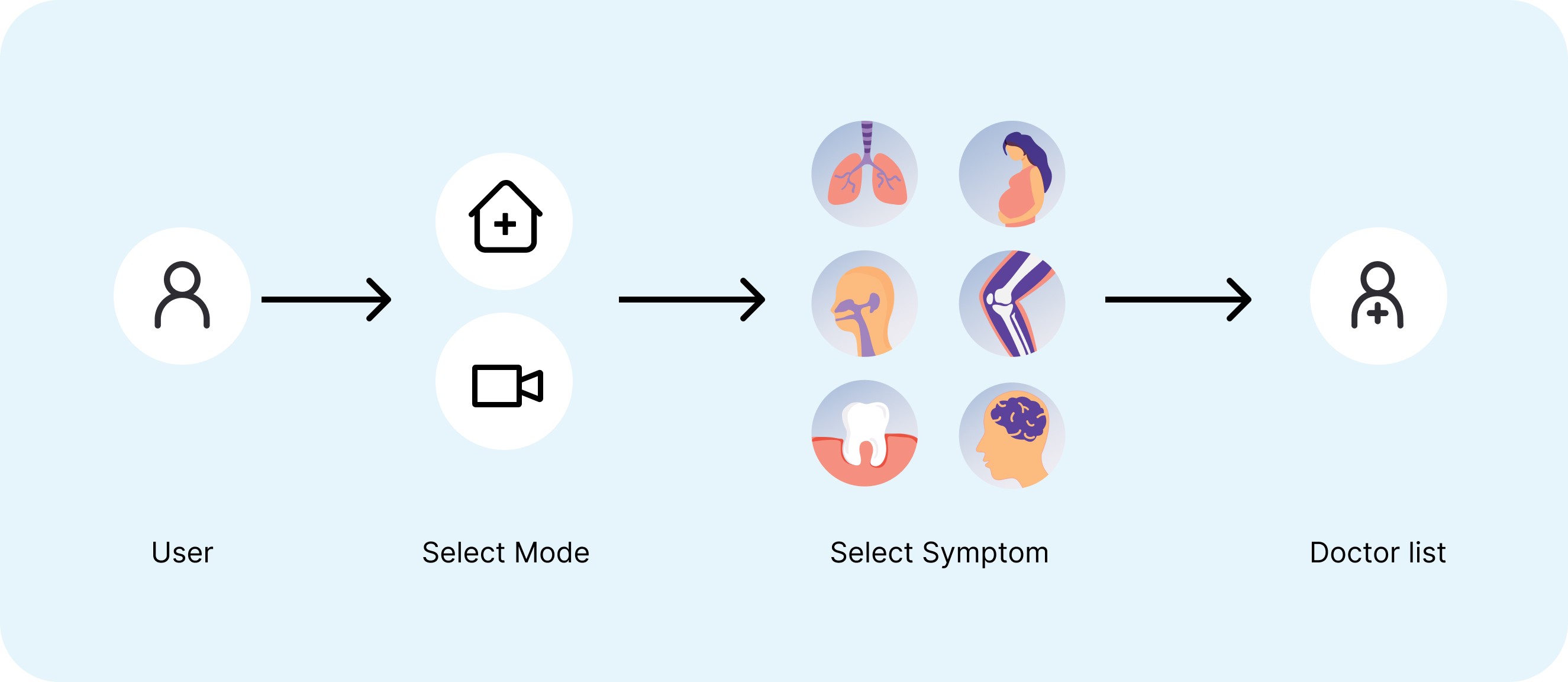
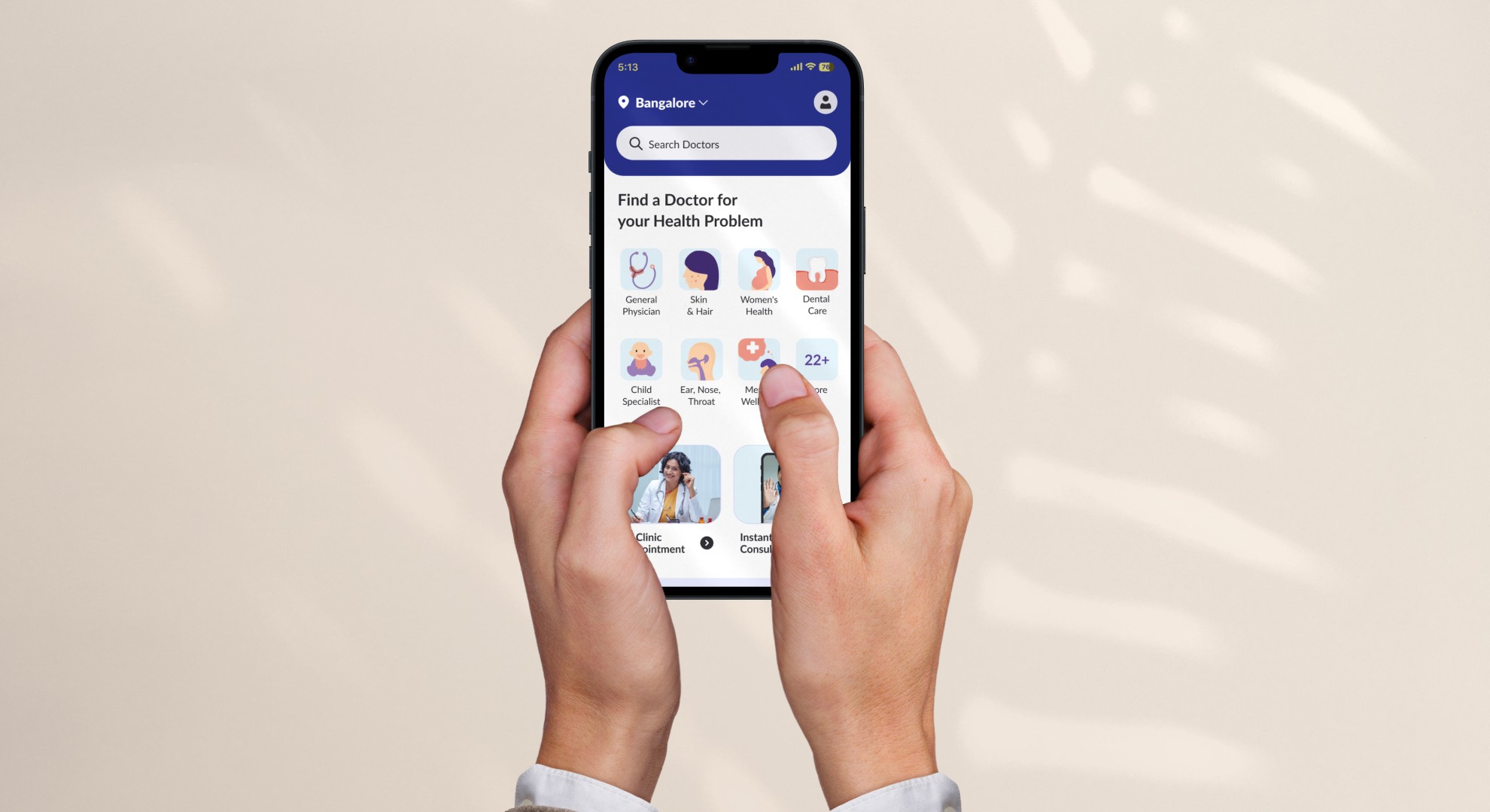
The fundamental challenge we aimed to solve was understanding how patients prefer to seek medical help. Would they first look for a specific doctor or search based on their symptoms? This distinction was critical, as it defined how we structured the user journey.
The core design question: Should the home screen guide users to choose between Clinic Appointment and Video Consult, or should it focus on helping patients search by their ailments/symptoms? Solving this required deep insights into user behavior.
Design
I help businesses by designing human centered digital experiences ︎ I help businesses by designing human centered digital xperiences I help businesses by designing human centered digital experiences︎ I help businesses by designing human.
Exploration 1
In this approach, users have to first select their preferred mode of consultation and then identify their symptoms or ailments.
UT Outcomes:
Most users didn’t notice it, they tends to choose the ailment before even noticing the tab (mode). Hence the issue still persist
Exploration 2
In this exploration I want to explore whether users would prefer a bottom navigation to clearly distinguish between each consultation mode.
UT Outcomes:
This solution is also failed as the visibility of video consultation was very low and many people ignored them while UT
Exploration 3
This exploration allowed users to easily switch between doctors available for clinic visits and video consultations.
What worked:
Users were already familiar with the list page’s tabbed interface. This familiarity reduced the need for adapting to new navigation, allowing them to focus on finding the right doctor or consultation mode with ease.
Trade-off
We found that tabs for switching between physical appointments and video consultations were ideal, but due to tech limitations, we implemented an interim screen where users can choose between video or clinic appointments.
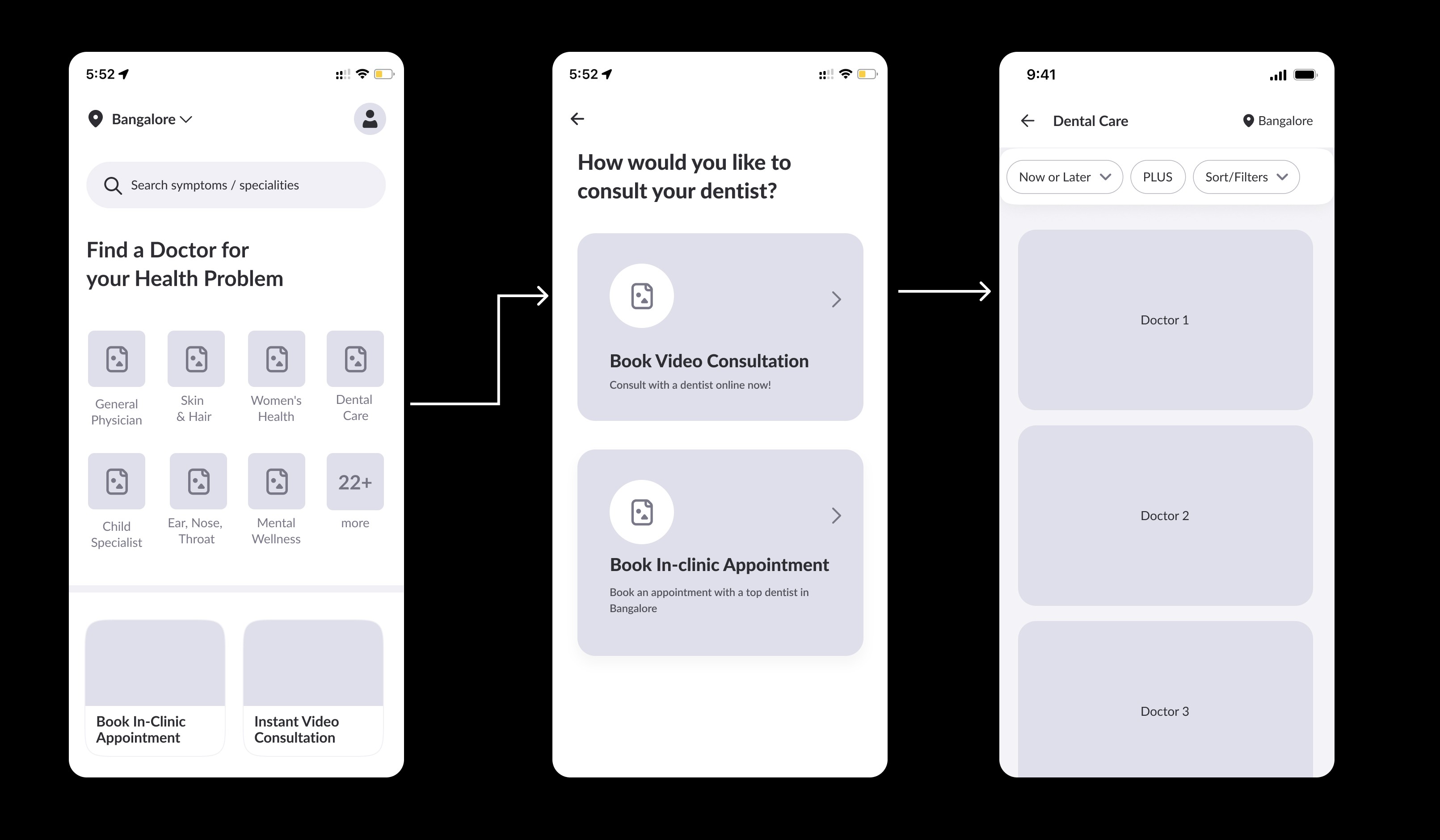
Even though this added additional step in the flow, the drop of at this page was negligible.
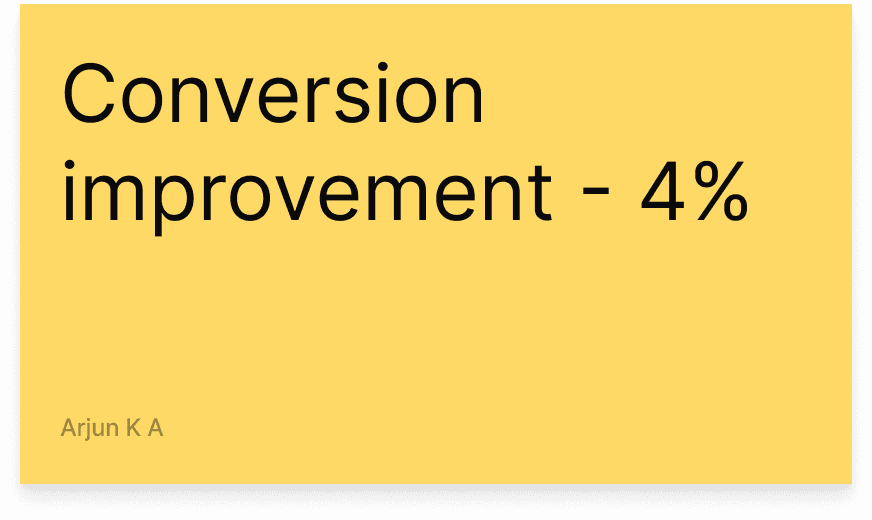
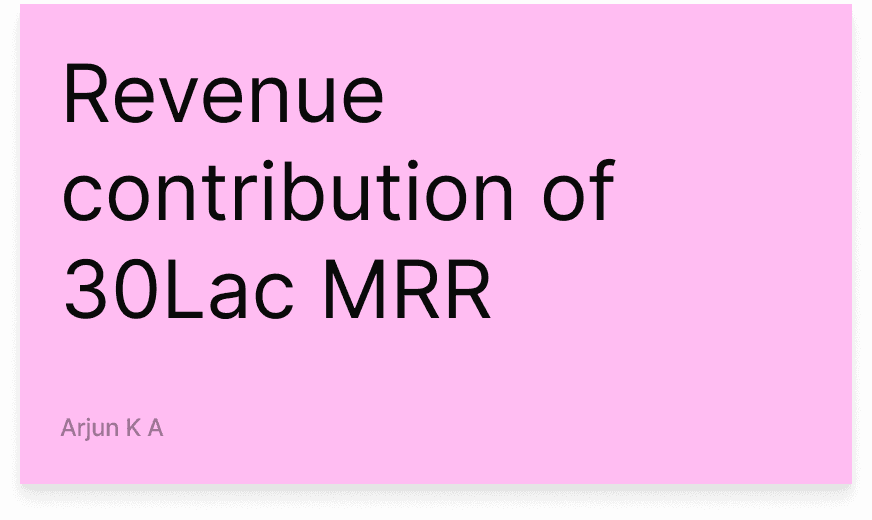
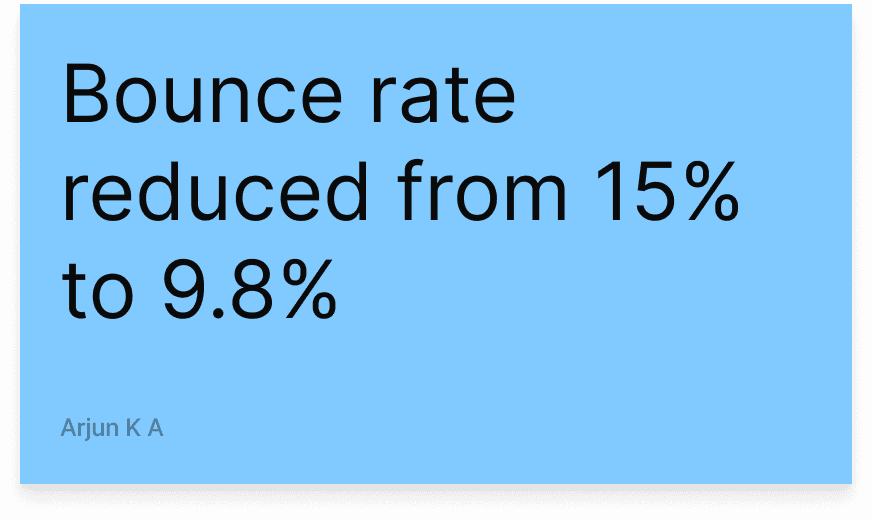
The Numbers